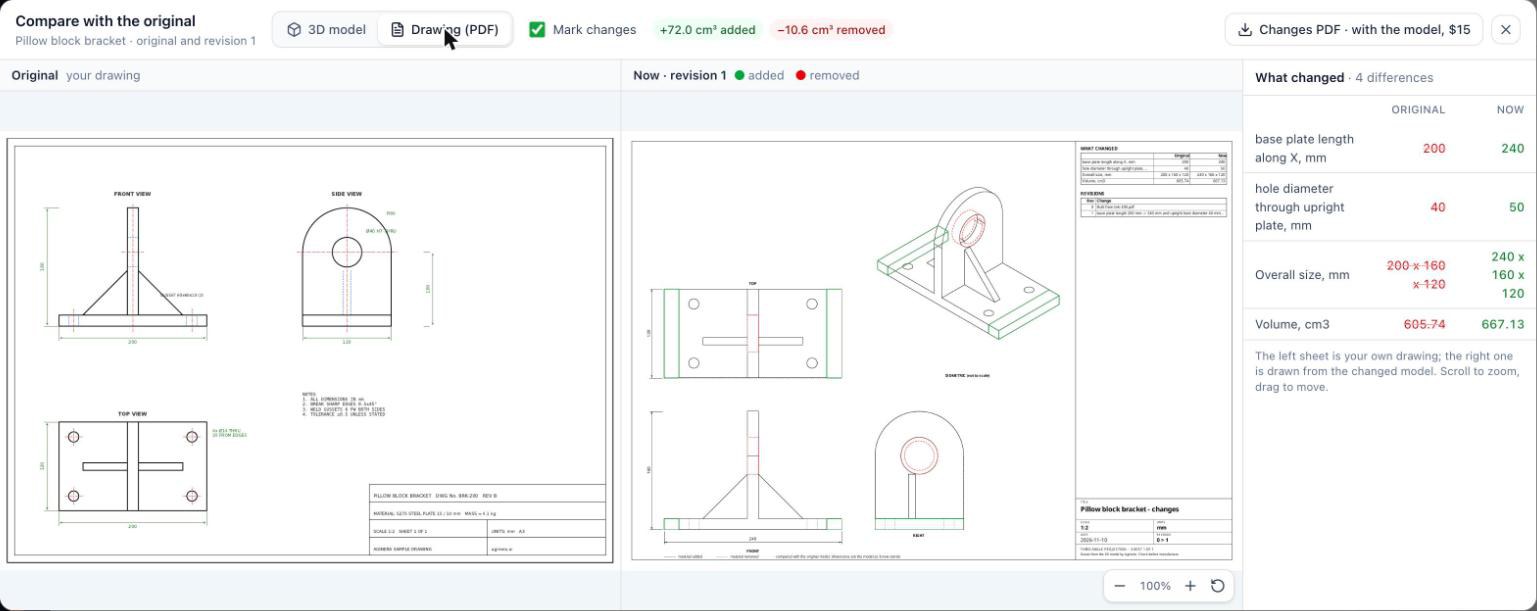
Aginera for Manufacturing is a free Claude plugin that lets manufacturers quote straight from construction drawings. Drop a customer's bid set into Claude, say which products are yours, and it measures your scope off the drawings with every count and length cited to its sheet. Then it hands the quantities to Anthropic's Claude for Manufacturing to build the RFQ intake and the quote.
It is built for the manufacturers who never see a part print: HVAC, lighting, switchgear, plumbing fixtures, steel, precast, millwork, doors and windows, and skids.
Install it today in Claude Code:
/plugin marketplace add kkfromus/aginera-for-manufacturing
/plugin install aginera-for-manufacturing@aginera
What is Claude for Manufacturing?
Claude for Manufacturing is Anthropic's plugin for plant work, listed in the Claude plugin directory. Its skills cover:
- RFQ intake and quoting: reads the inquiry, checks capability, builds the quote
- Breakdown diagnosis: ranks likely causes of a failure and the cheapest test to tell them apart
- NCR, root cause and 8D/CAPA
- Data consolidation across ERP, CMMS and MES exports
- Daily production report: output against plan, OEE and downtime
It works with Microsoft 365, Oracle NetSuite, Infor M3 and Autodesk Fusion. What it doesn't do on its own is measure a construction drawing set. That is where Aginera comes in.
Your customers don't send part prints. They send bid sets.
Claude for Manufacturing is excellent at the quoting, quality and reporting work a plant runs every day. Its quoting skills expect what a machine shop receives: a part drawing, a spreadsheet of line items, a portal export.
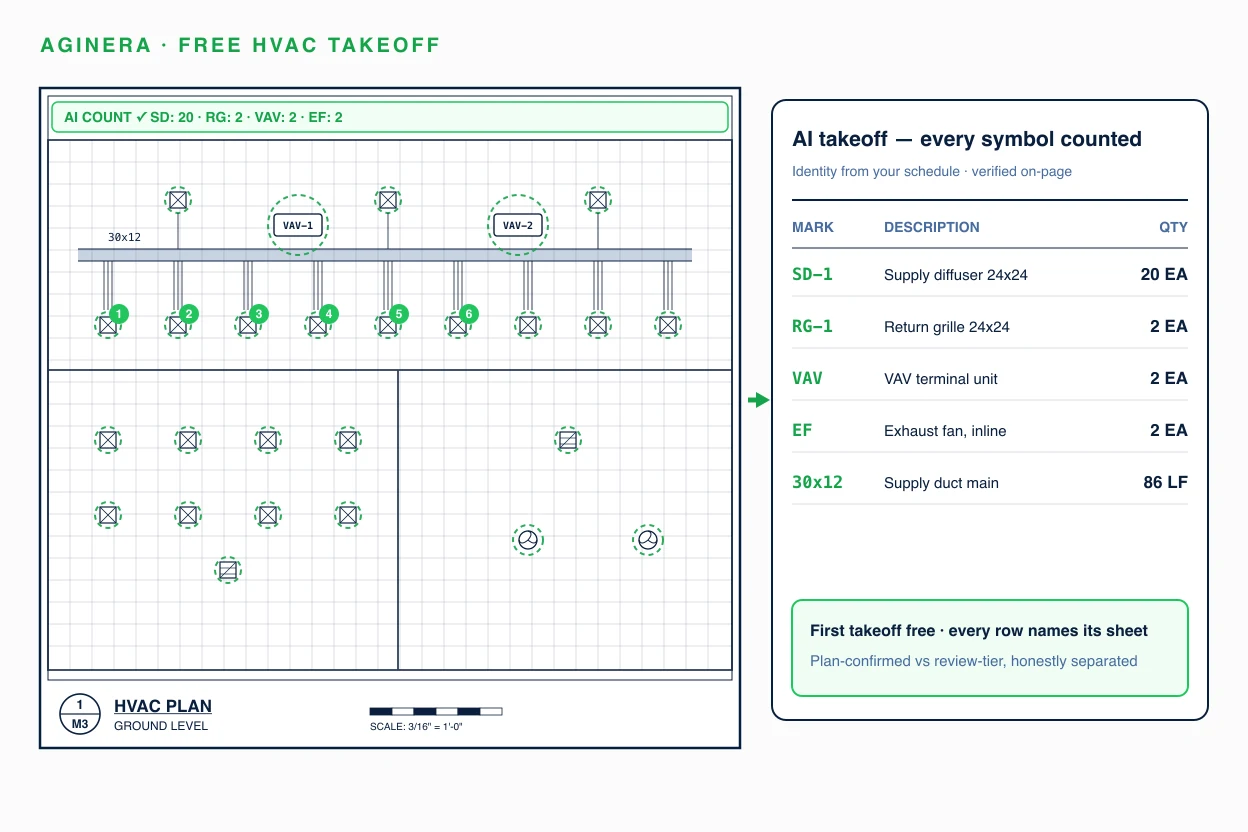
But if you make building products, your RFQ looks different. It's a link to 20, 80 or 200 sheets of architectural, structural and MEP drawings. Your scope is one slice spread across floor plans, ceiling plans, schedules and details. Before anyone can price it, an estimator spends hours finding every tag, counting it once, and measuring the linear items to scale.
That takeoff is what Aginera for Manufacturing does for you, inside Claude.
Who it's for
| If you make... | Claude takes off... |
|---|---|
| HVAC equipment and ductwork | Diffusers, grilles, VAV boxes, RTUs and AHUs by tag; duct length by size |
| Lighting fixtures | Fixtures by type tag, LED strip and linear lengths, emergency fixtures |
| Switchgear and panelboards | Panels, transformers and disconnects from one-lines and panel schedules |
| Plumbing fixtures and equipment | Fixtures by tag, water heaters, tanks, pumps, pipe by size |
| Structural and misc steel | Lintels, embeds, stairs, rails, ladders, tonnage |
| Rebar and precast | Panels, pieces and bar by size |
| Millwork and casework | Cabinets and counters by room and elevation |
| Doors, hardware, windows, curtain wall | Openings from the door and window schedules |
| Skids and packages | Each skid by unit tag, with its equipment list as the BOM |
What you can ask Claude
Once the plugin is installed, you just ask:
- "A bid set came in for the Riverside hotel. Quote our light fixtures from the plans."
- "Take off the diffusers and VAV boxes on this mechanical set."
- "How many tons of misc steel are on these structural sheets?"
- "Which doors on this schedule are ours, and what hardware sets do they need?"
- "Convert this PDF to DXF and bring it into Fusion."
- "Turn our plant layout into a clean CAD drawing for the production report."
The four skills
| Skill | What you get | Works with (Claude for Manufacturing) |
|---|---|---|
| Bid set → takeoff → quote | Your scope measured off the customer's drawings, filtered to the products you make, every line cited to its sheet, and written into the RFQ intake form | customer-inquiry-intake, quote-build |
| Drawing to CAD | A PDF drawing converted to DXF or DWG, scale-checked, and brought into Fusion as a sketch | rfq-to-quote |
| Plant floor plan | Your plant layout as clean CAD with areas, plus 3D images, and a machine-label list for the production report's floor view | daily-production-report |
| Plant project takeoff | Quantities for your own expansions and build-outs, for budgets and like-for-like contractor RFQs | supplier-quote-request |
From bid set to quote
- Tell Claude your scope. Which products you make, any spec sections in the RFQ (say, 23 37 13 for diffusers), what the customer excluded, and when the bid is due.
- Add the drawings. Upload the set or share a link. Every sheet and addendum stays separate, so revisions are traceable.
- Aginera measures it. It reads the drawings using their own scale, legends and schedules, the way your estimator would.
- Only your products become quote lines. Each tag is counted once per area, even when it appears on the plan, the ceiling plan and the schedule.
- Conflicts become questions, not guesses. If the schedule says 167 m of LED strip and the plans measure 148.5 m, or a tank is 2,800 gal on one sheet and 2,000 gal on another, Claude drafts the question to send your customer.
- Claude for Manufacturing builds the quote. The intake form arrives filled in, and every price line carries the sheet it came from.
Why estimators can trust the numbers
- Every quantity cites its sheet. Anyone checking the quote can open the drawing and find the item.
- Measured, not guessed. Counts and lengths come from the drawing's own scale and legend, not from Claude reading a picture.
- Your scope only. Items outside your product families stay out of the quote.
- Uncertain items are flagged. Anything unclear goes to a short review list for your estimator instead of into a price.
- Assemblies stay assemblies. A skid or a panel is one quote line per unit tag, with its parts underneath as the bill of materials.
Pricing
The plugin is free. Inside Aginera:
- Free: reading existing takeoffs, checking whether a PDF converts to CAD, previewing CAD, and your first 5 sheets in one project.
- Pay as you go: new takeoffs, DXF/DWG downloads, and image renders, using credits or a one-time purchase.
Claude always asks before anything that spends, and you complete any checkout yourself. No API keys: you sign in to Aginera the first time Claude uses it.
Get started
Step 1. Install Aginera for Manufacturing in Claude Code:
/plugin marketplace add kkfromus/aginera-for-manufacturing
/plugin install aginera-for-manufacturing@aginera
Step 2. Install Claude for Manufacturing from Anthropic's Claude plugin directory, for intake, quoting, supplier RFQs and production reports.
Step 3. Ask Claude to quote your next bid set.
New to Aginera? Create a free account; your first 5 sheets in one project are free. Want to see how the takeoff works first? Read how MEP takeoff automation cuts estimating time and how Aginera measures duct and pipe linear footage, or use the Aginera Claude connector.