Onboarding
Sign up for Aginera, complete the setup wizard, and land in DesignOps (Welcome).
Purpose
Move from the public site through account creation to your workspace in DesignOps, with the right workflow type and plan selected.
Who this is for
- New organizations creating their first Aginera account.
- Estimators / contractors / teams who will run takeoffs, BOM, or project work after signup.
Prerequisites
- A business email you can access (login details are sent there).
- Basic business information (name, country, phone, professional category).
Steps
-
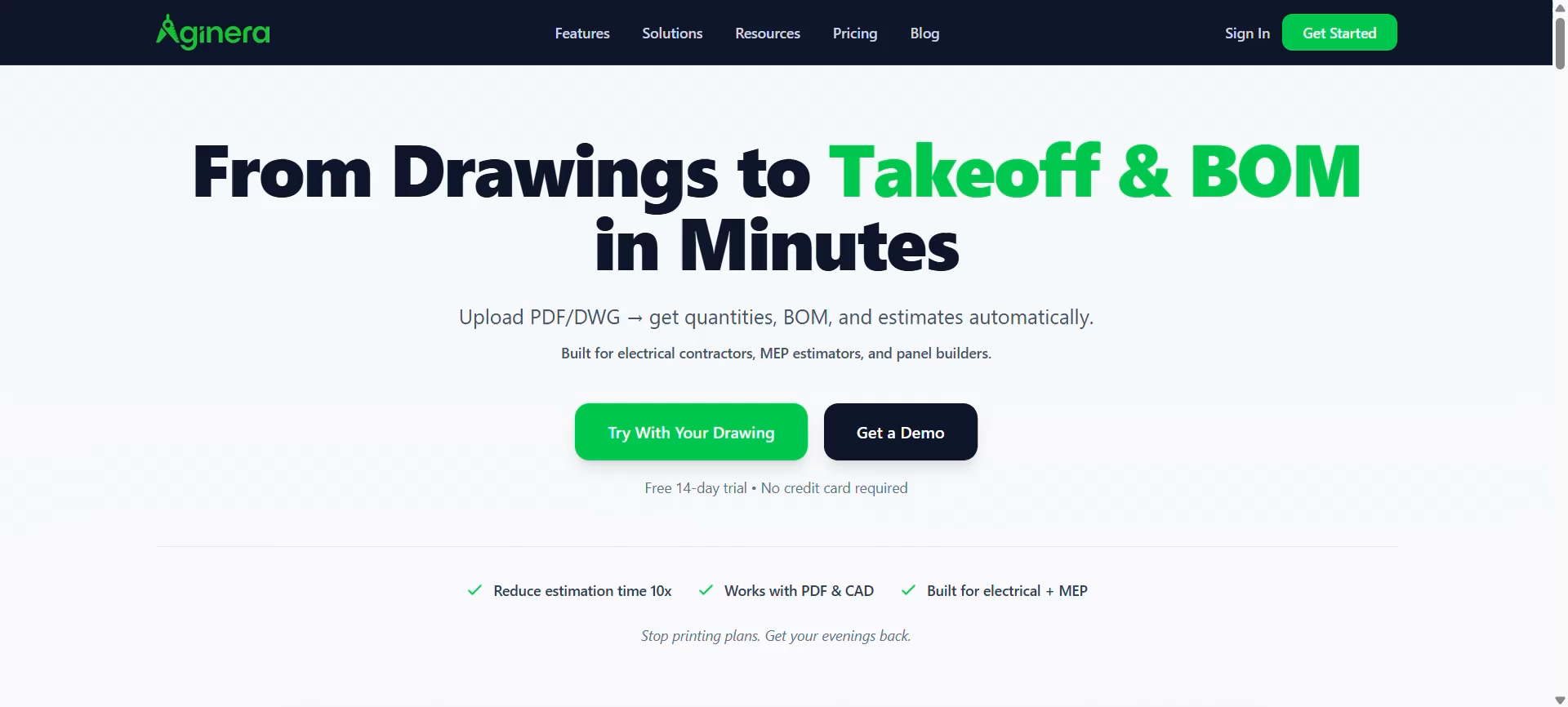
Open the Aginera site and use Sign In if you already have an account, or Get Started to begin signup.
-
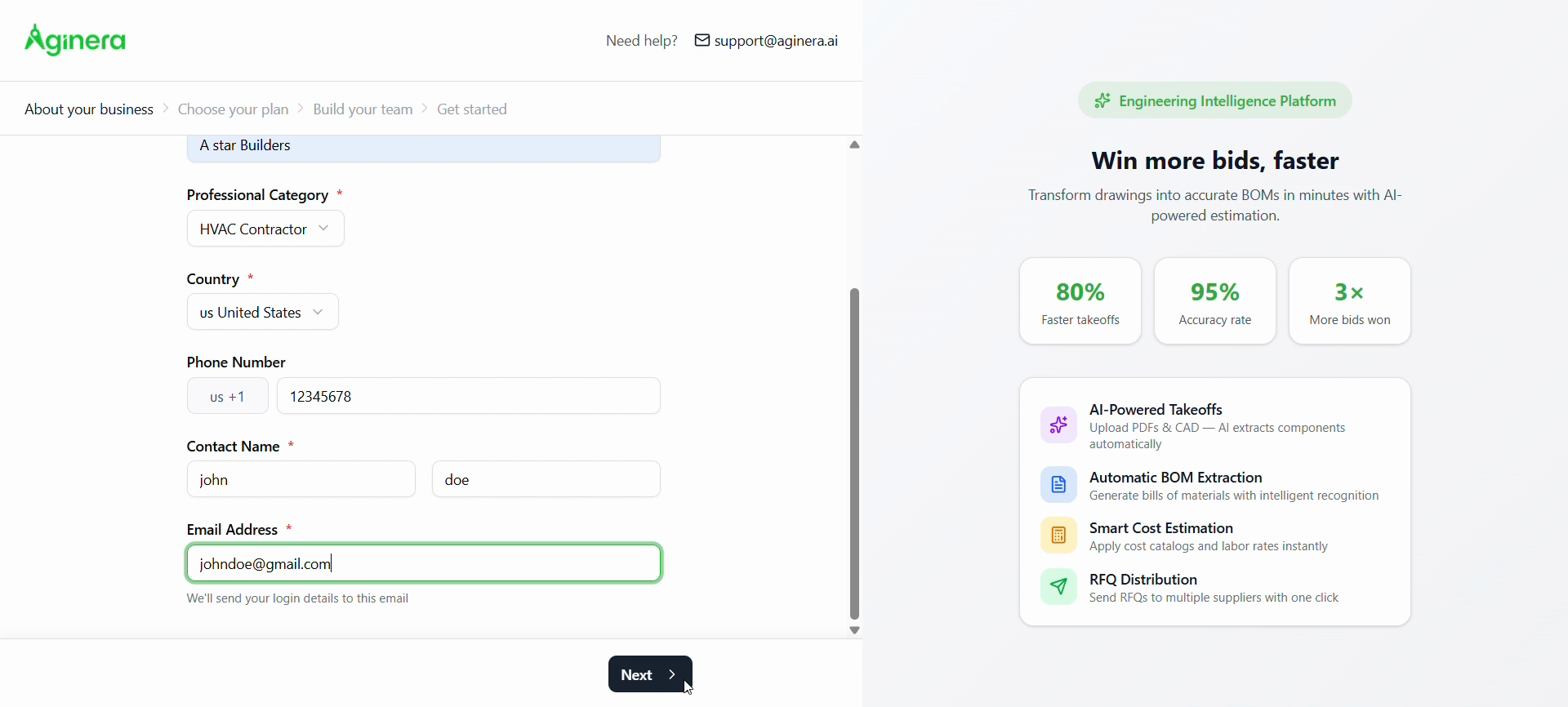
About your business — Enter business name, Professional category, Country, phone (optional), Contact name, and Email address. Aginera sends login details to that email. Choose Next.
-
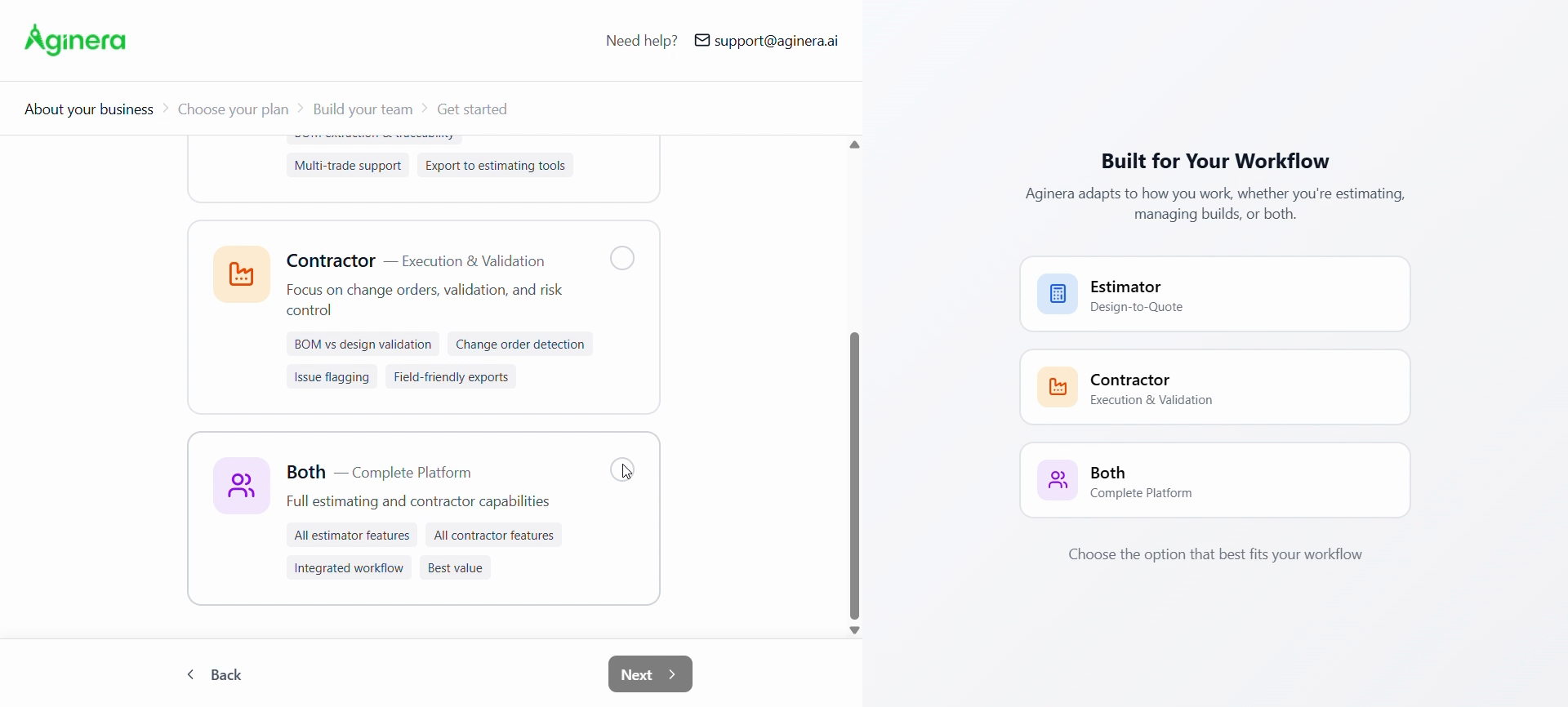
Built for your workflow — Pick Estimator, Contractor, or Both depending on how you use the platform, then Next.
-
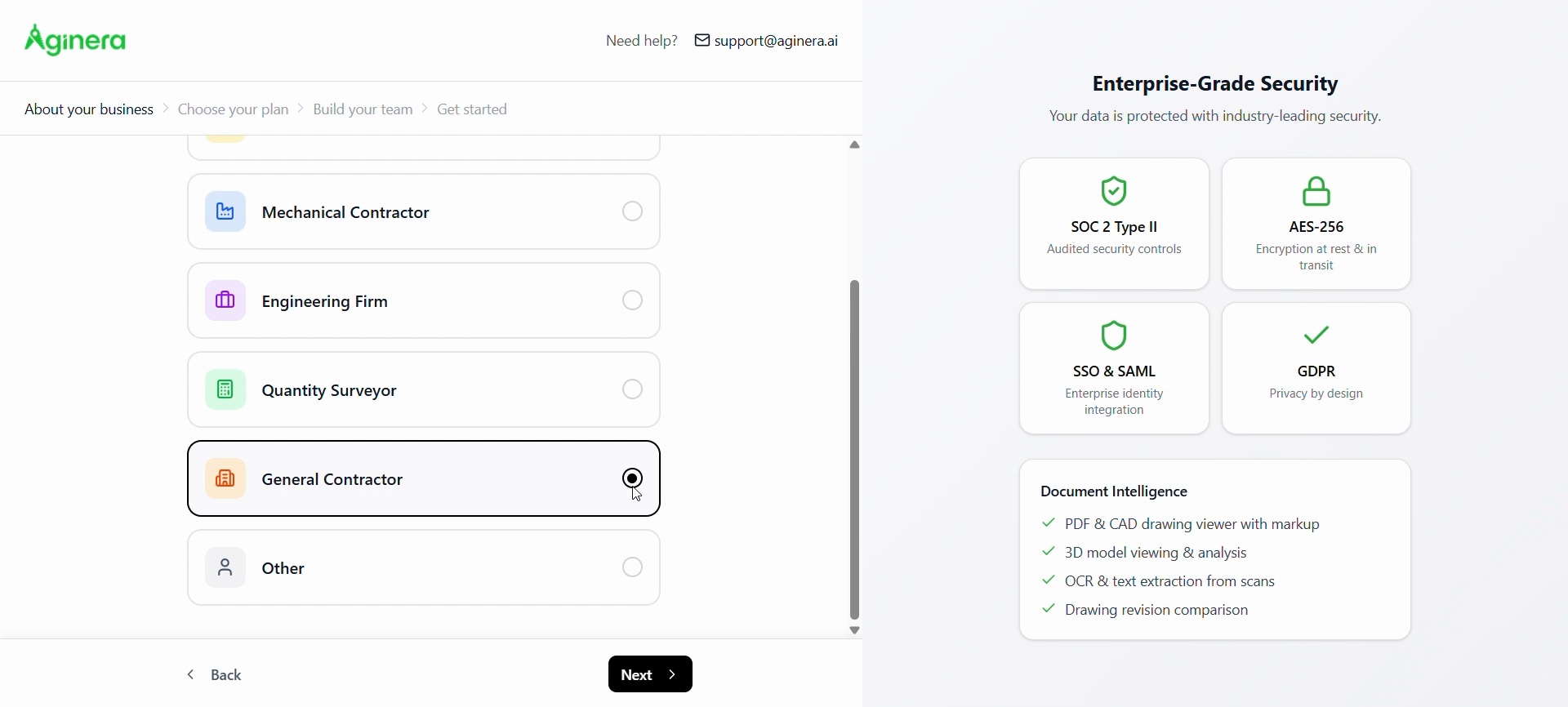
Professional category — Select the option that best matches your trade (e.g. General Contractor, MEP, QS). Use Back / Next to move through the wizard.
-
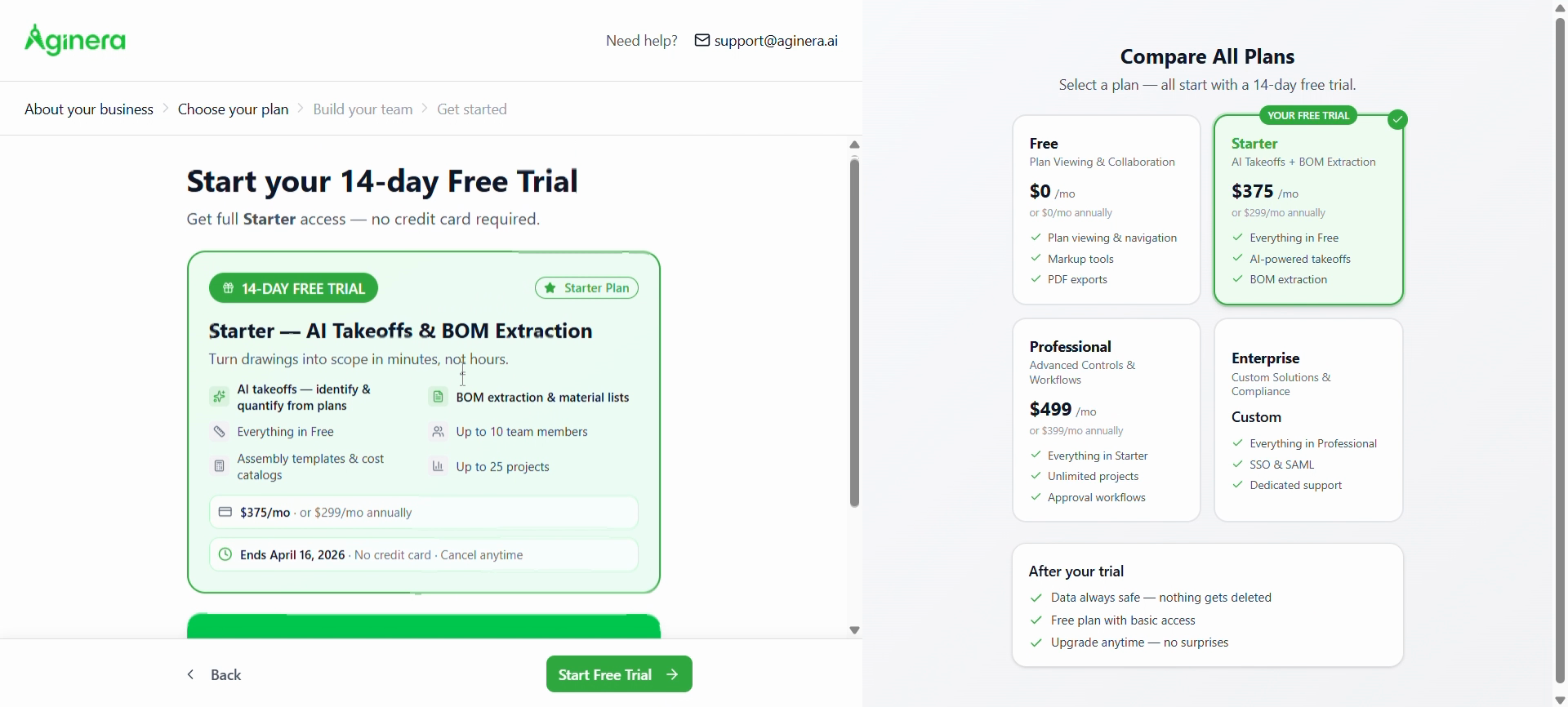
Choose your plan — Review tiers and start the 14-day free trial (e.g. Starter) with Start Free Trial, or compare plans on the right. No credit card is required for the trial as shown on this screen.
-
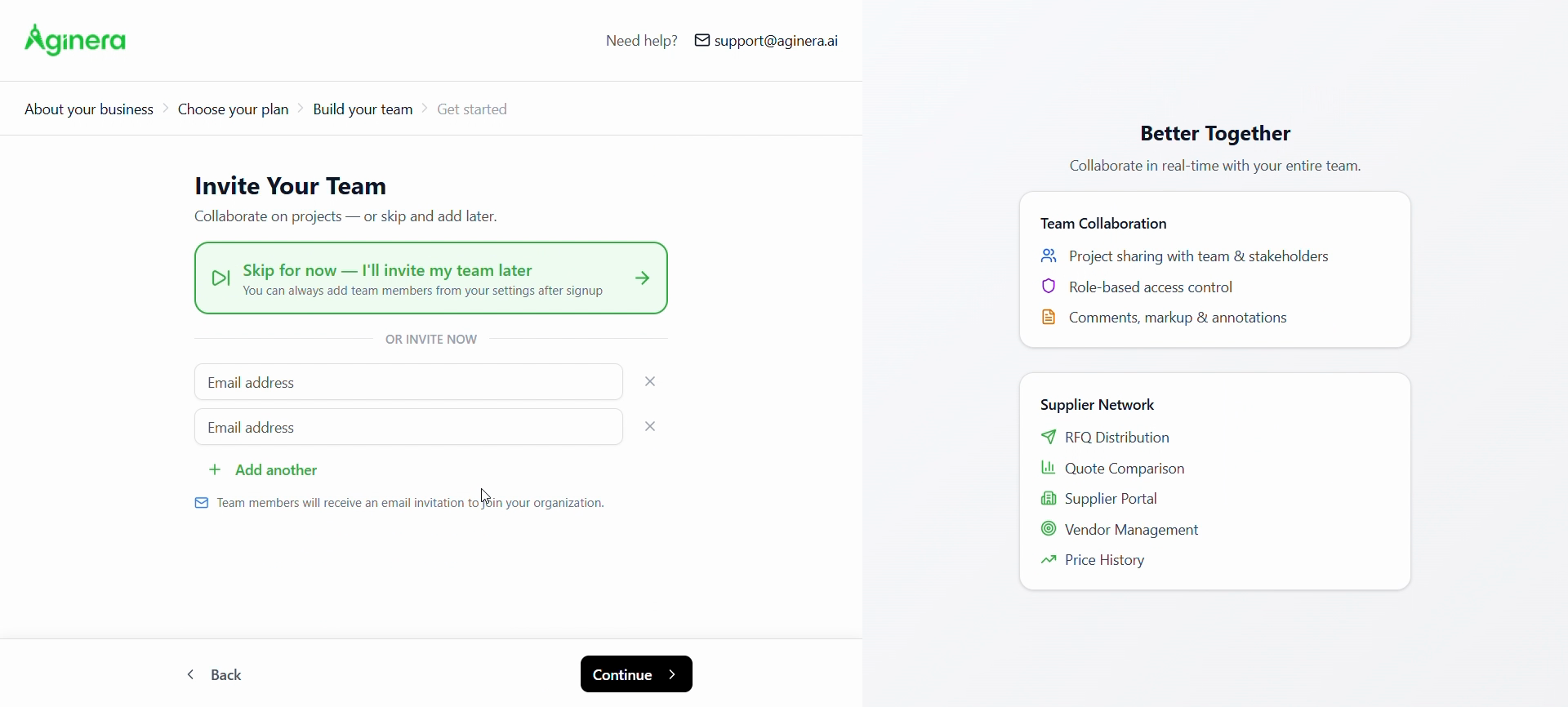
Build your team — Invite teammates by email, or use Skip for now and add people later from Settings. Choose Continue.
-
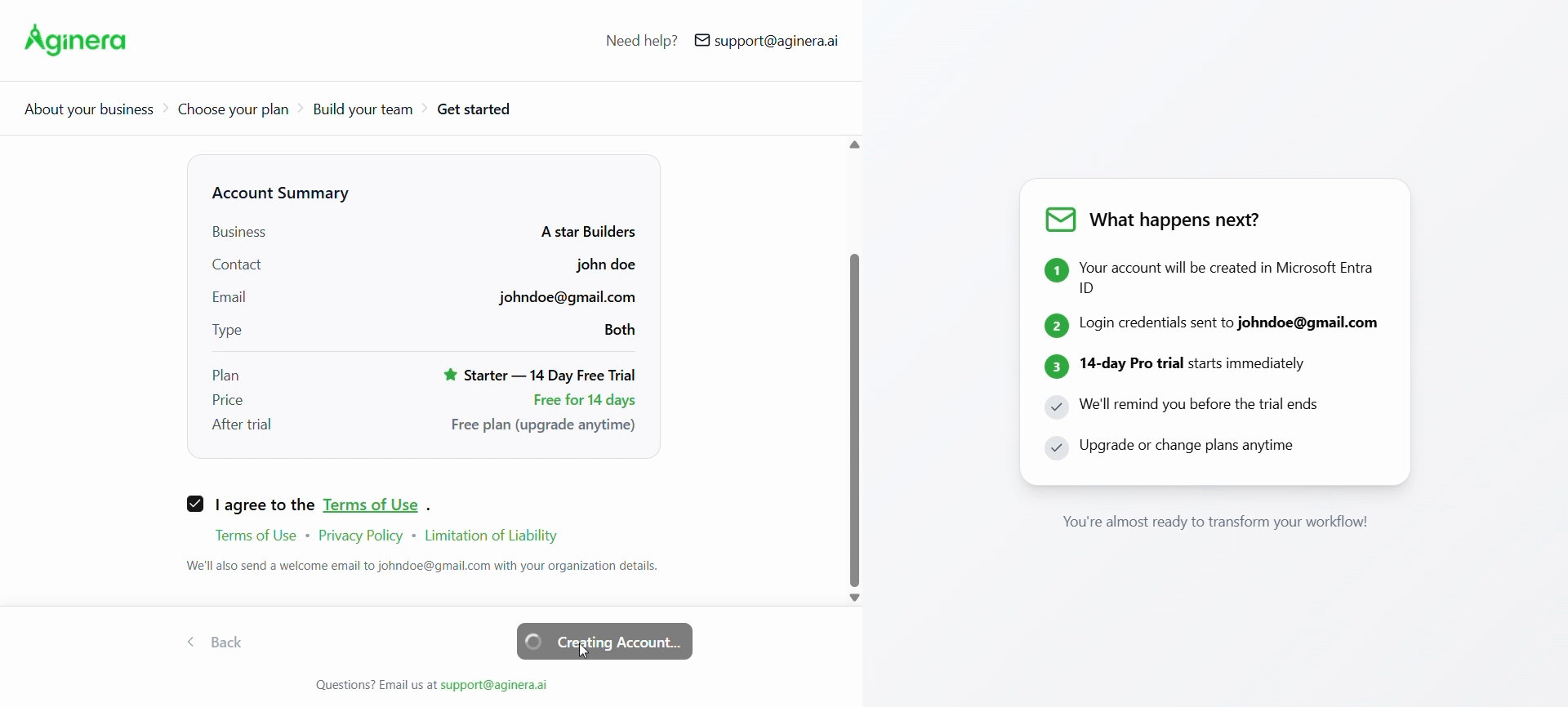
Get started — Review the summary (business, contact, plan, trial). Accept Terms of Use (and related policies), then submit. Wait until account creation finishes; you’ll receive email with next steps.
-
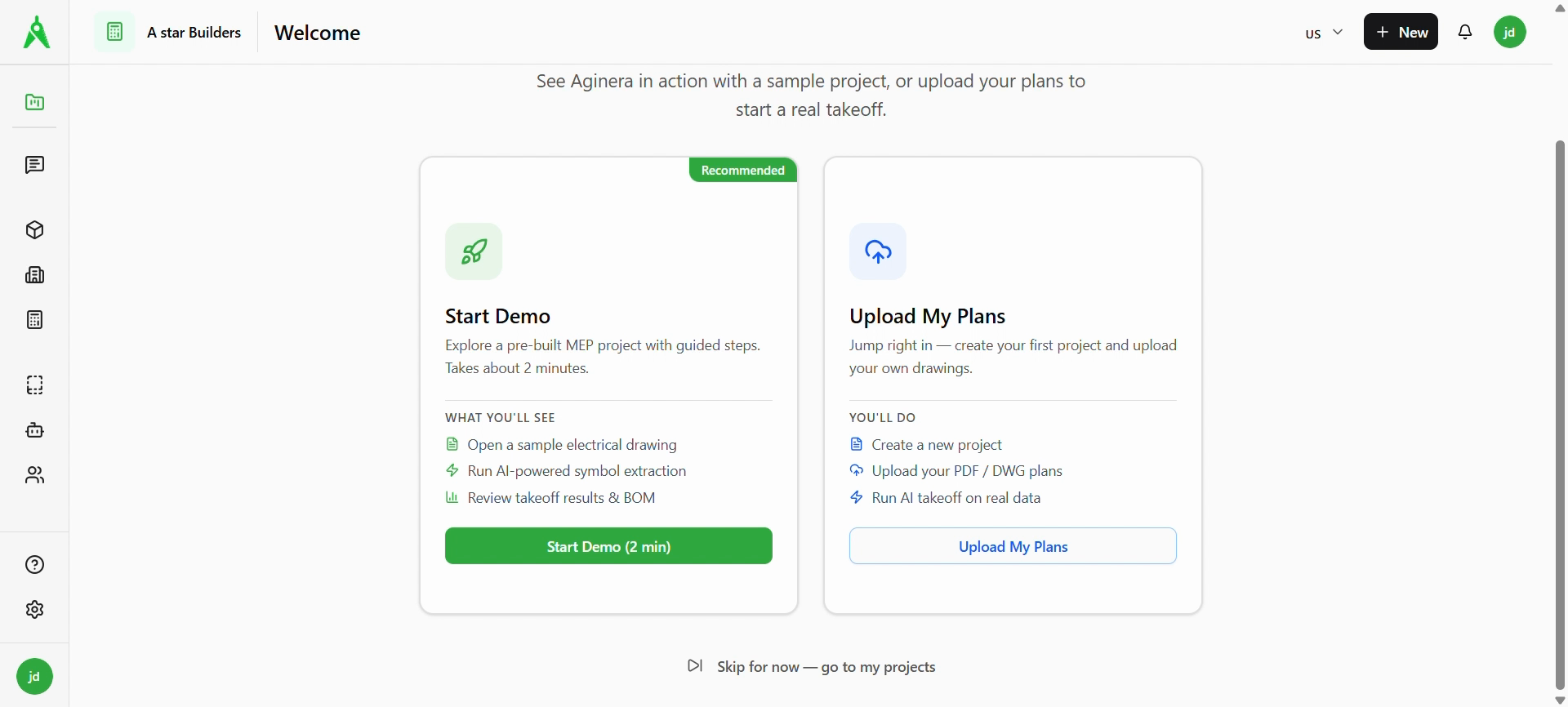
Welcome in DesignOps — After sign-in, choose Start Demo (sample MEP project), Upload My Plans (real project), or Skip for now — go to my projects.
Expected result
- You can sign in and see your organization in the app header.
- You reach the Welcome page and can start a demo, upload plans, or go straight to projects.
Troubleshooting
- No email with login details: Check spam; confirm the email on the summary step; contact support@aginera.ai (also linked from onboarding screens).
- Stuck on “Creating Account…”: Wait for the process to finish; if it fails, retry or contact support with your business email and approximate time.
- Wrong workflow (Estimator vs Supplier): This is chosen during onboarding; if your workspace needs a different mode, ask an admin or support before locking in work.
Related
- Next: Create project
- Reference: Permissions